Improve the Accuracy and Efficiency of Design and Construction with Digital Engineering Tools
Digital engineering tools, like LiDAR scanning, point cloud registration and 3D modeling, guide design and construction projects from start to finish, minimizing errors and reducing costs.Here’s a real-world example from an industrial wastewater treatment plant that needed to modify piping associated with major processing equipment. A confined space combined with large diameter piping made the margin for error on this project extremely small. That’s where LiDAR scanning and 3D reverse engineering offer the advantage for creating a working 3D model.
Let’s start:
LiDAR Scanning
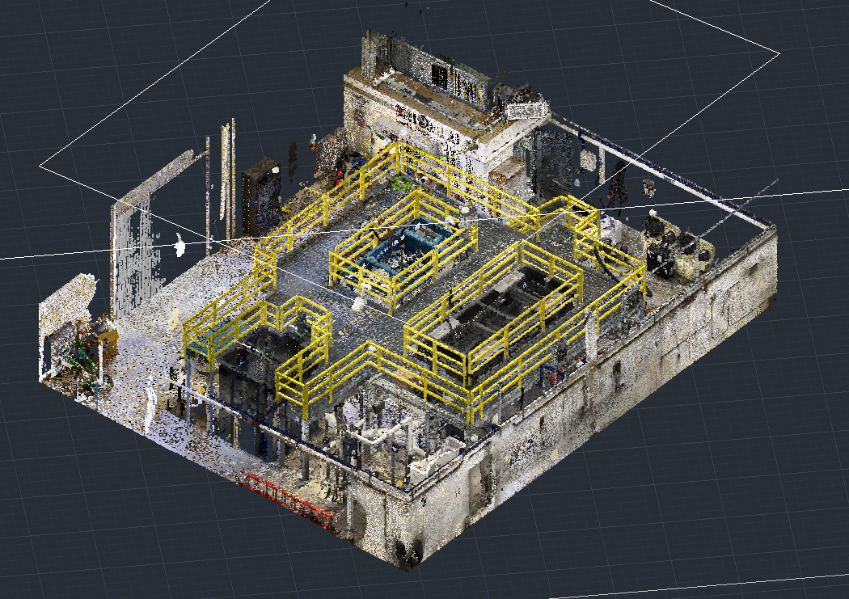
First, point cloud and panoramic photos were captured by LiDAR scanning at multiple locations with the objective of collecting a complete coverage of all assets from all angles.
The Registration Process
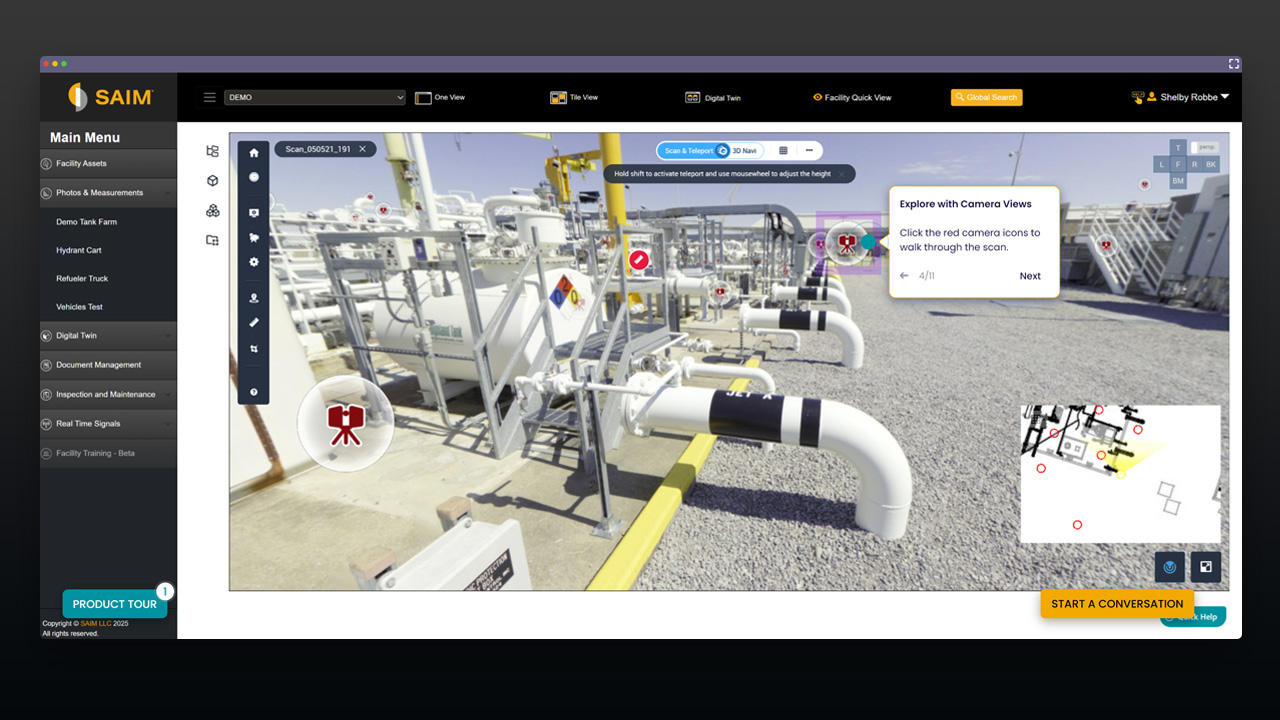
Next, using a network of surveyed targets, the LiDAR scan positions are combined into one unified point cloud; a process called registration. The registered point cloud can be exported to a variety of software programs for the engineering team’s design and analysis. The colorized panoramic photos, taken simultaneously at each scan position, are then stitched over the gray-scale point cloud data sets for an enhanced visualization. The cloud-based SAIM platform offers 24/7 access to the LiDAR scan and panoramic photos without needing installation of specialized software, having specific skills or powerful computers to run the point cloud. You can virtually navigate the model and visually verify items from anywhere in the world.
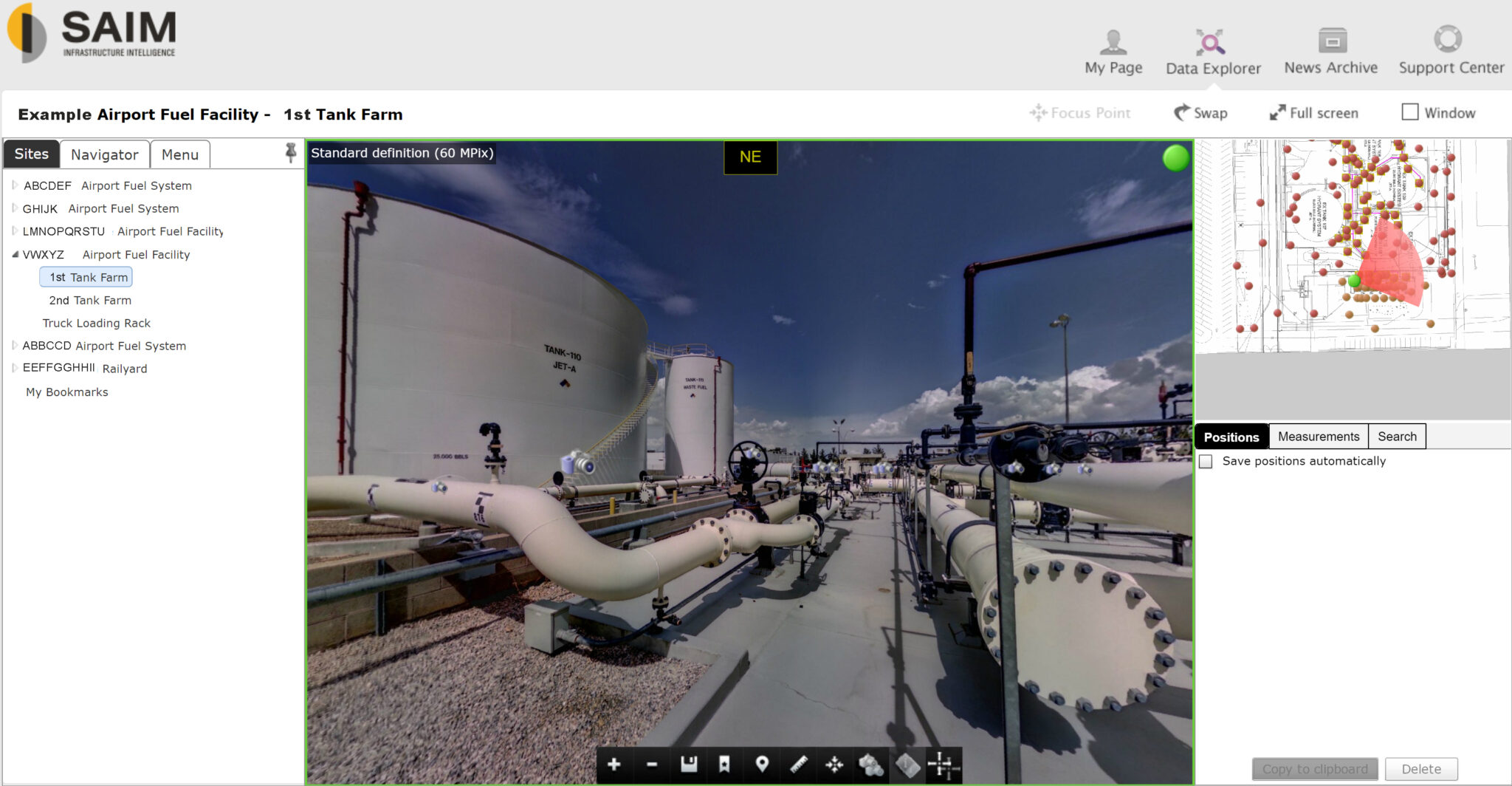
The LiDAR scan and panoramic photos provide accurate dimensions, coordinates and shapes for the assets and are great for communication purposes as well as tying a new design to existing assets. However, the point cloud does not offer any engineering attributes.
Creation of 3D Model
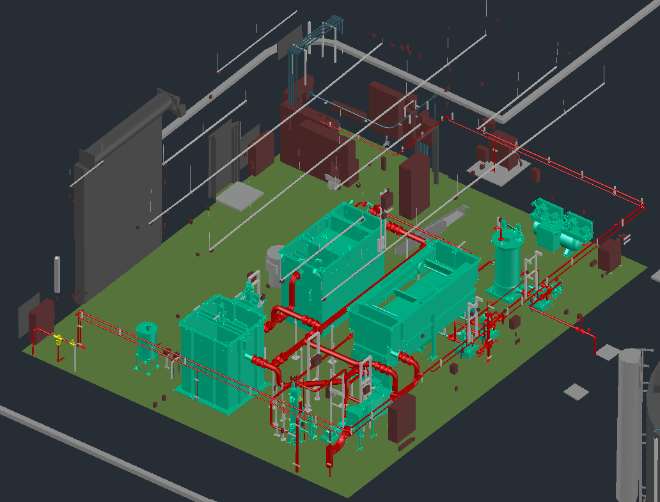
The final step is to create a 3D working model from the point cloud data. This 3D CAD model lets you remove features to get a clearer look at individual parts. In this example, the complete 3D model is on the left, and, on the right, is the same model with the handrail and platforms removed, allowing the relevant piping to be isolated from the surrounding infrastructure and investigated in further detail.
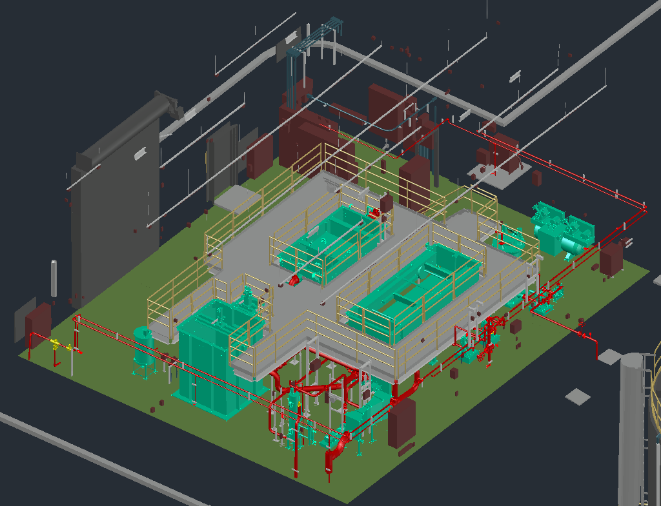
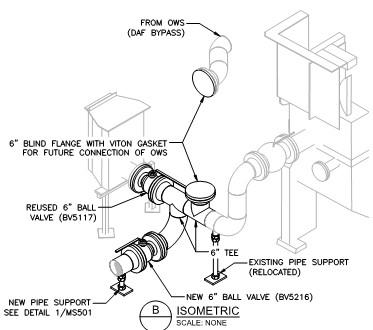
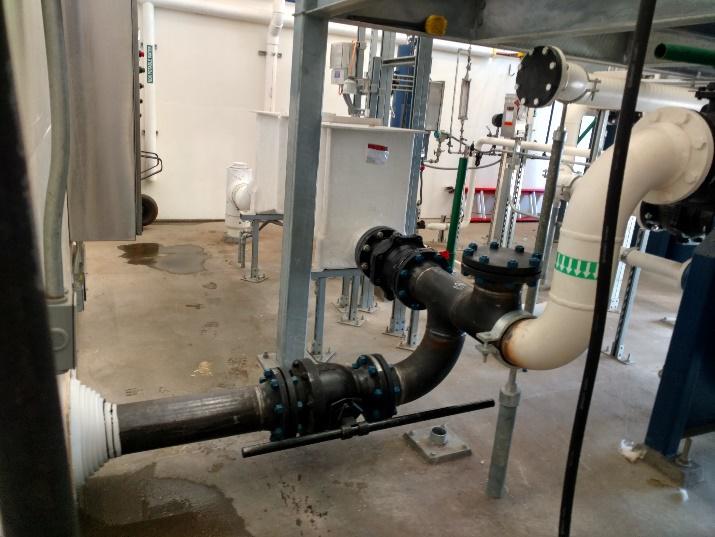
In addition to visual enhancements and flexibilities, a CAD 3D model provides detailed insights into engineering attributes of each component, such as piping and equipment specifications, ratings and ASTM material class. Having the 3D model at your fingertips, 2D engineering drawings such as Isometrics, orthographics and plant layouts can also be exported with one click of a button. Using the CAD model to build piping plans allowed the contractor to accurately plan the work and construct the piping in a small space with no changes required. On the left, you can see the design of the new components (dark color) superimposed on the as-built drawings of the existing assets (light color), and on the right, the completed field work that was constructed from these accurate drawings.
3D Model that Supports Project Planning, Budgeting and Much More…
Going forward, the 3D model can be used to modify or repair any part of the plant of facility, without making a site visit. This reduces the need, cost and risks of physical inspections and reduces response time in emergencies. These models support project planning and budgeting, improve accuracy of O&M manuals, and clearly communicate as-built conditions to significantly improve the design and construction processes. Utilizing digital engineering tools like these in the as-built process eliminates many sources of error in design and prevents liability and compliance issues that may arise in the future by having a dependable and defendable set of data surveyed at a “digital-level” of accuracy.
Latest Articles

Explore More Articles
SAIM 2.0 to Launch in Early 2023
A Focus on Progress and Vision in 2023
SAIM’s New Features Facilitate Custom Access and Task Creation
SAIM Unlocks Your Team's Potential.
From reducing downtime to staying audit-ready, SAIM gives you clarity, efficiency, and confidence, so your team can focus on the work that matters most.- Know it’s getting done. Track tasks, inspections, and work orders in real time.
- Avoid costly surprises. Spot asset issues early with live data, trends, and predictive insights.
- Stay ready. Keep documents, drawings, and compliance records accessible anytime.